Local inspector for 3D & game files

See your files, inside and out

Open a local folder without launching Blender, Unity or Spine. Preview 3D models, textures, 2D skeletons and levels in one window, alongside their meshes, triangle counts, animations and missing references.

Free for commercial use · Local & read-only · No account required

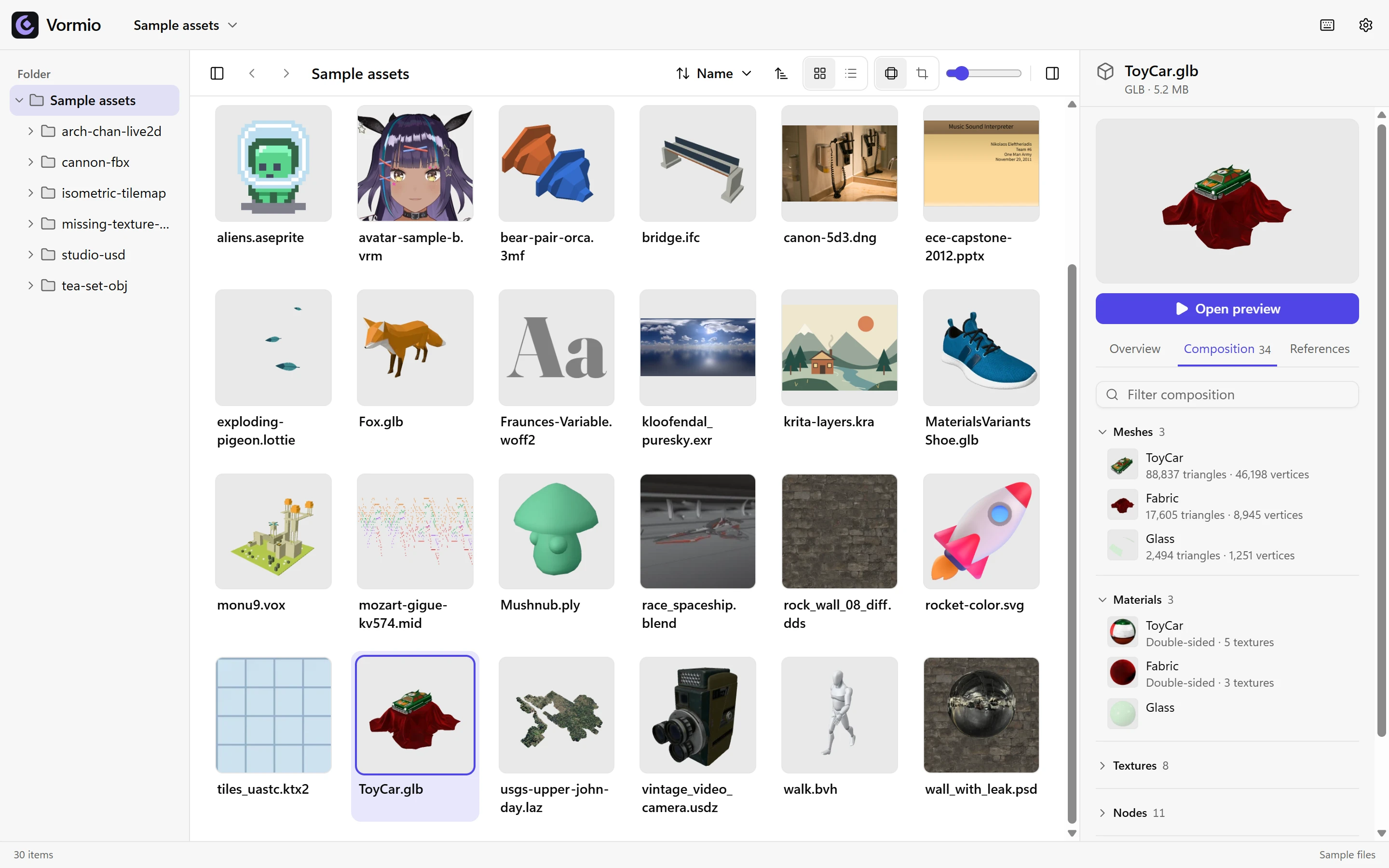
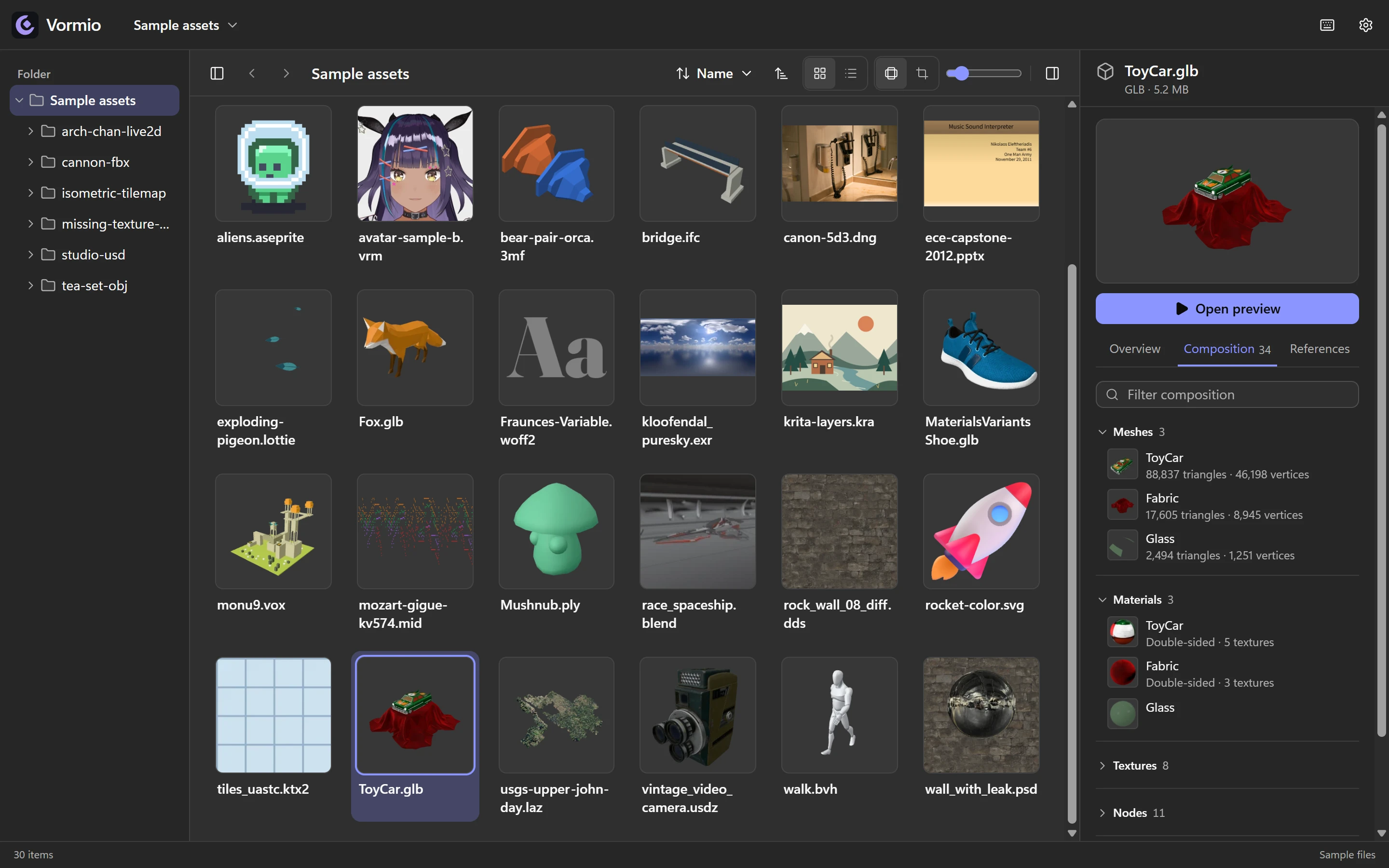
The built-in Sample assets folder open in Vormio on the web: 24 mixed-format asset thumbnails filling the grid (glTF, VRM, USDZ, Blender, BVH motion, PLY, DDS, EXR, KTX2, PSD, Krita, Aseprite, camera RAW DNG, SVG, PPTX, Lottie, 3MF, voxel, IFC, point cloud, font and MIDI), 6 composite subfolders in the sidebar, and the inspector listing the 3 meshes, 3 materials, 8 textures and 11 nodes of the selected ToyCar.glb

Models, motions, textures, camera RAW photos, SVG, Office decks and levels, all as thumbnails in one grid.

Open built-in samples

In practice

See what is there, and why something is missing

See what files look like and what they contain when reviewing asset packs, checking deliveries or preparing imports.

Fox.glbGLB
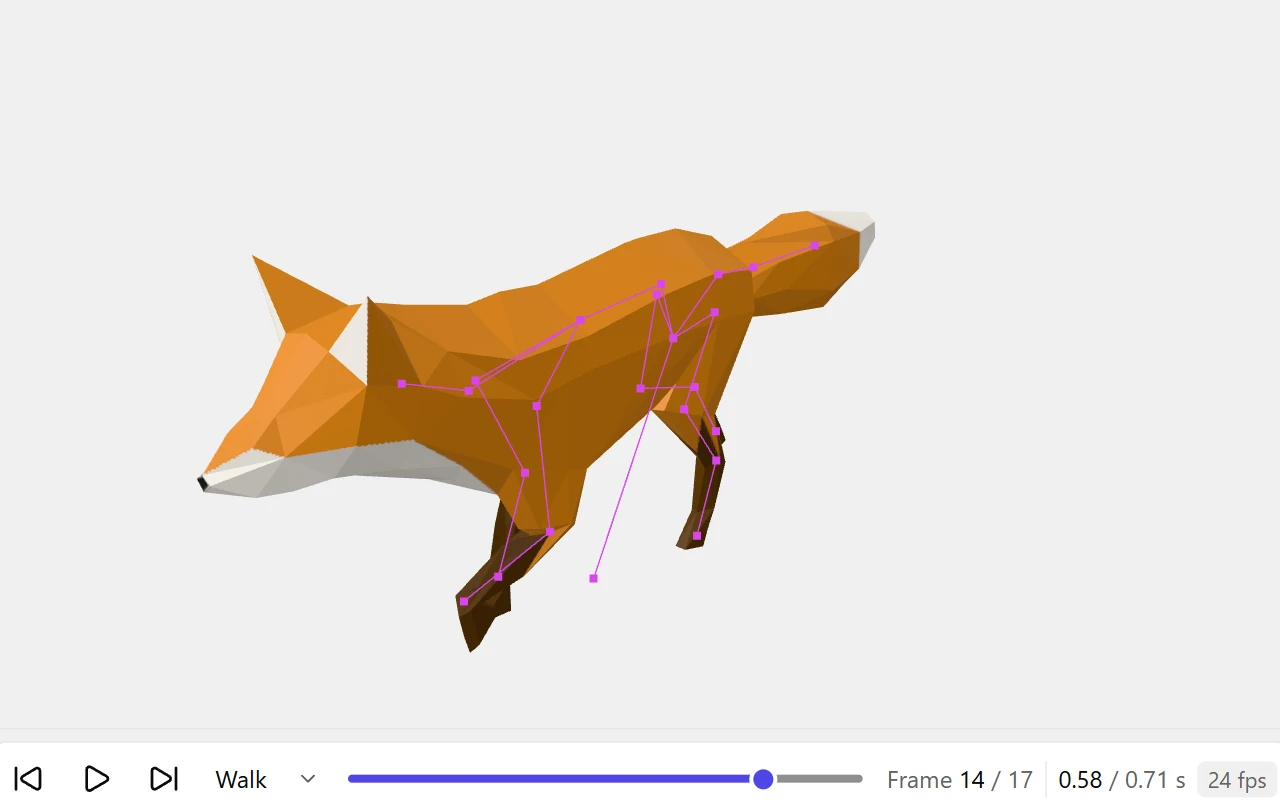
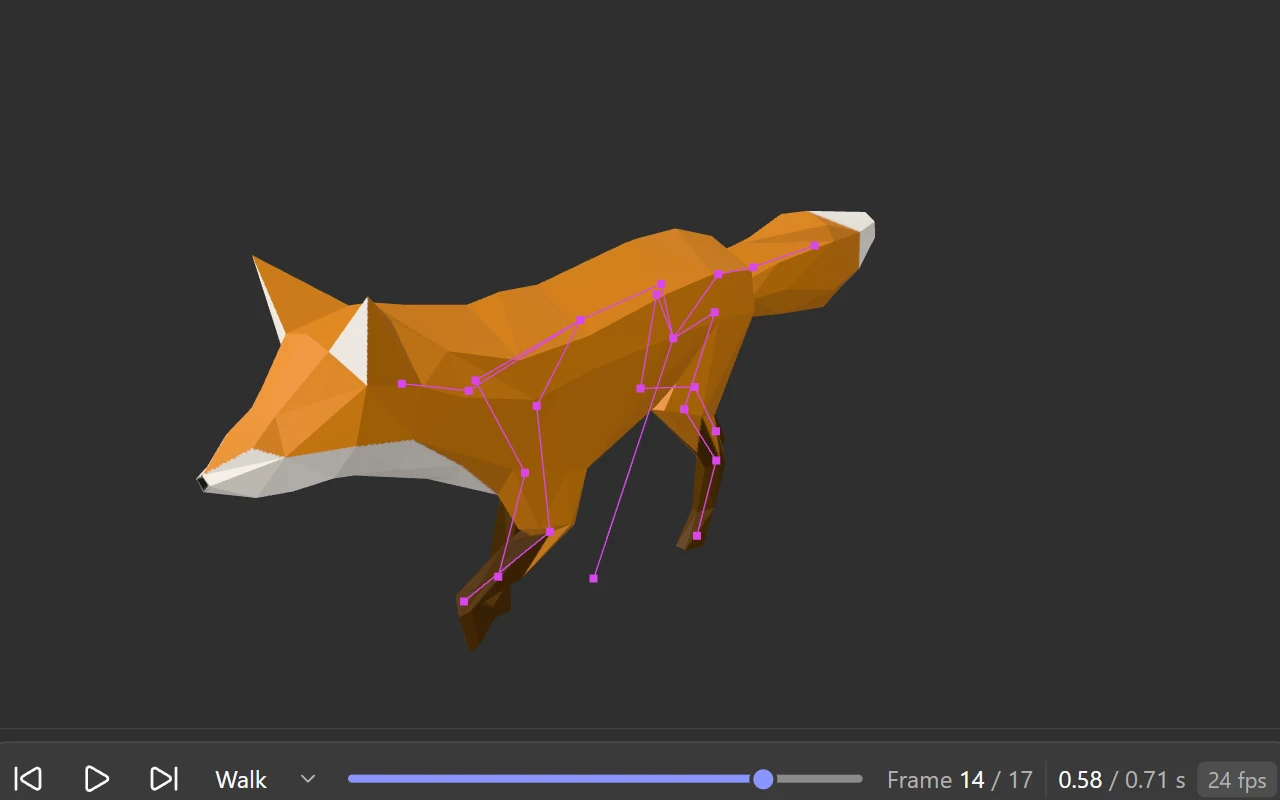
3D viewport of Fox.glb with its 24-joint skeleton overlay and animation timeline
Triangles
576
Joints
24
Animations
3
Duration
3.4 s

Check meshes, animations and hot composition

Select a model to inspect meshes, materials, bones, animation durations and triangle counts, scrub animations frame by frame, or attach cross-format motions, temporary textures and MTL libraries read-only from the preview bar.
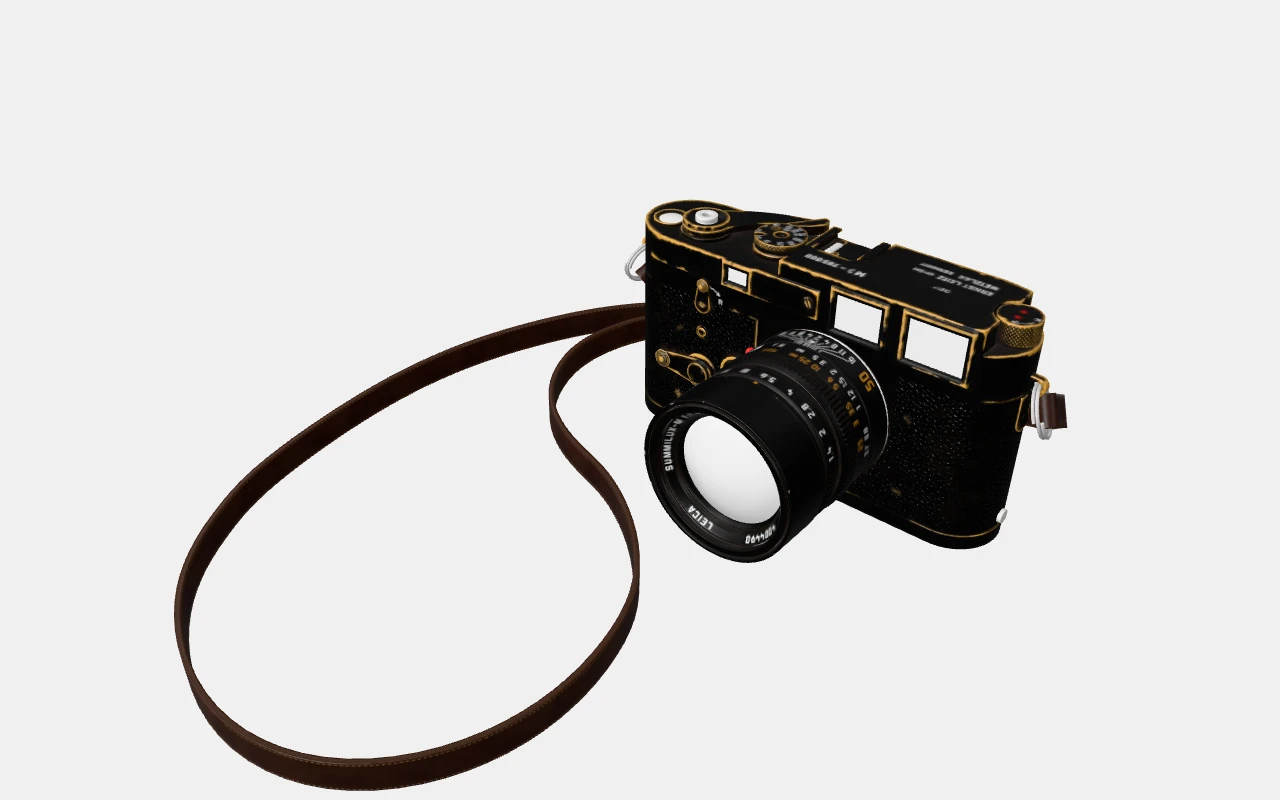
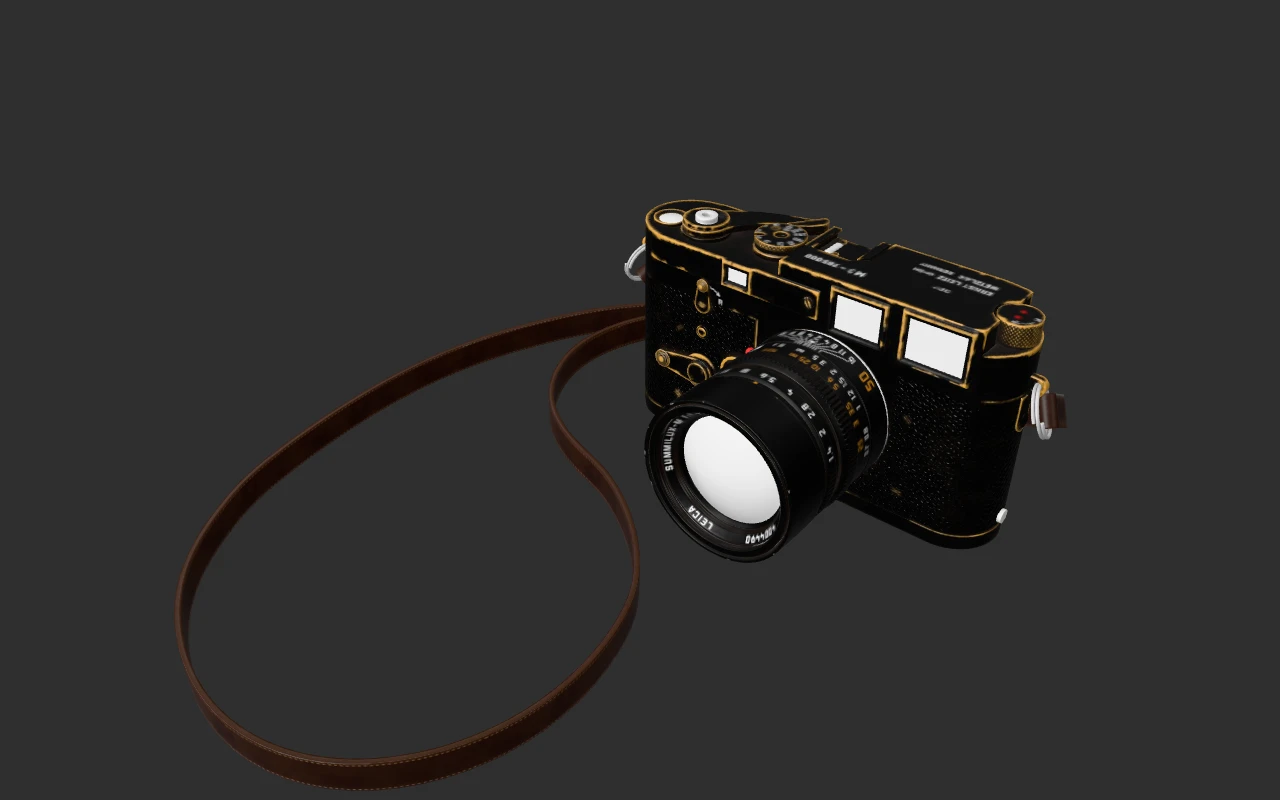
Find why a model has no textures

When a model shows up white, check its material library, buffer and texture paths in the inspector. Desktop matches missing textures by filename across folders, allows manual preview overrides and reviews external path lists without editing originals.

  • textures/Camera_01_body_diff_1k.jpgMissing
  • textures/tiles.pngFound by name
  • uid://… · Unity GUIDNot checked on web
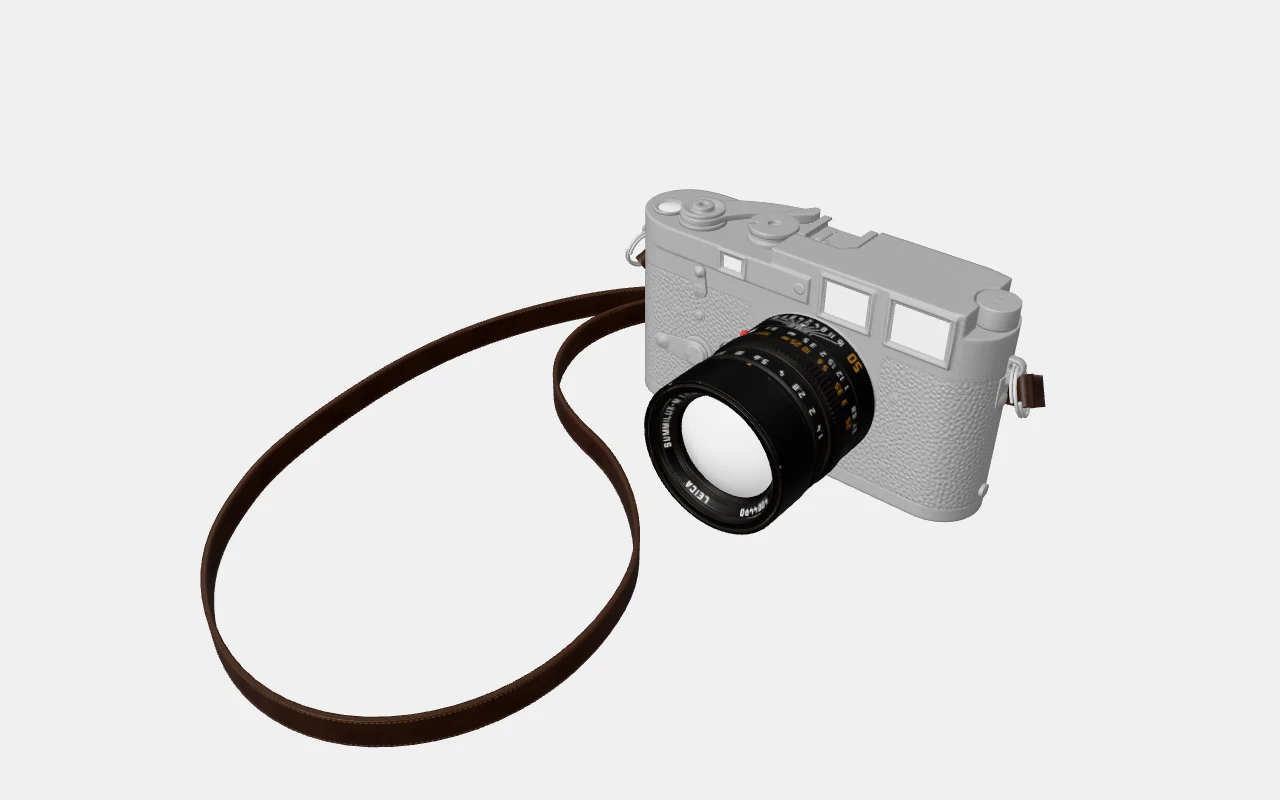
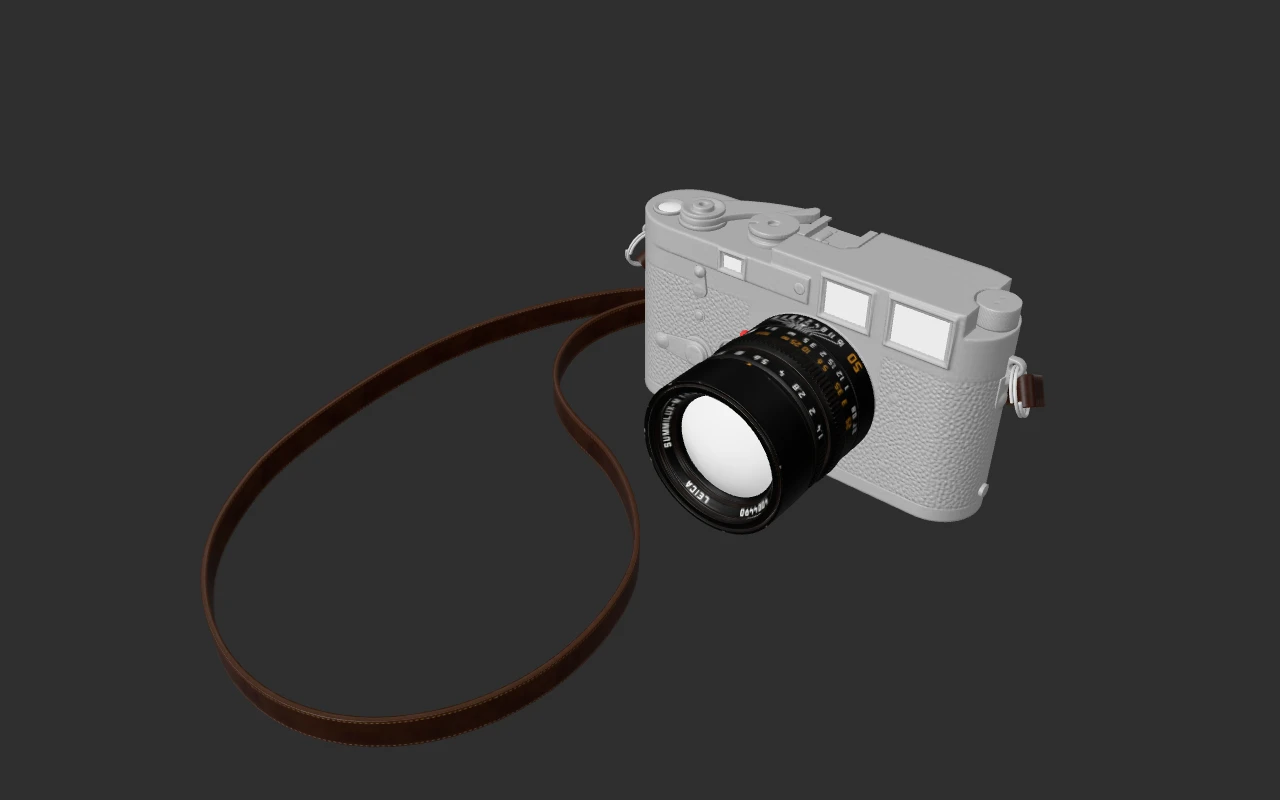
Camera_01.fbxFBX
Vormio 3D preview of Camera_01_1k.fbx with all PBR textures resolved on the leather and metal body
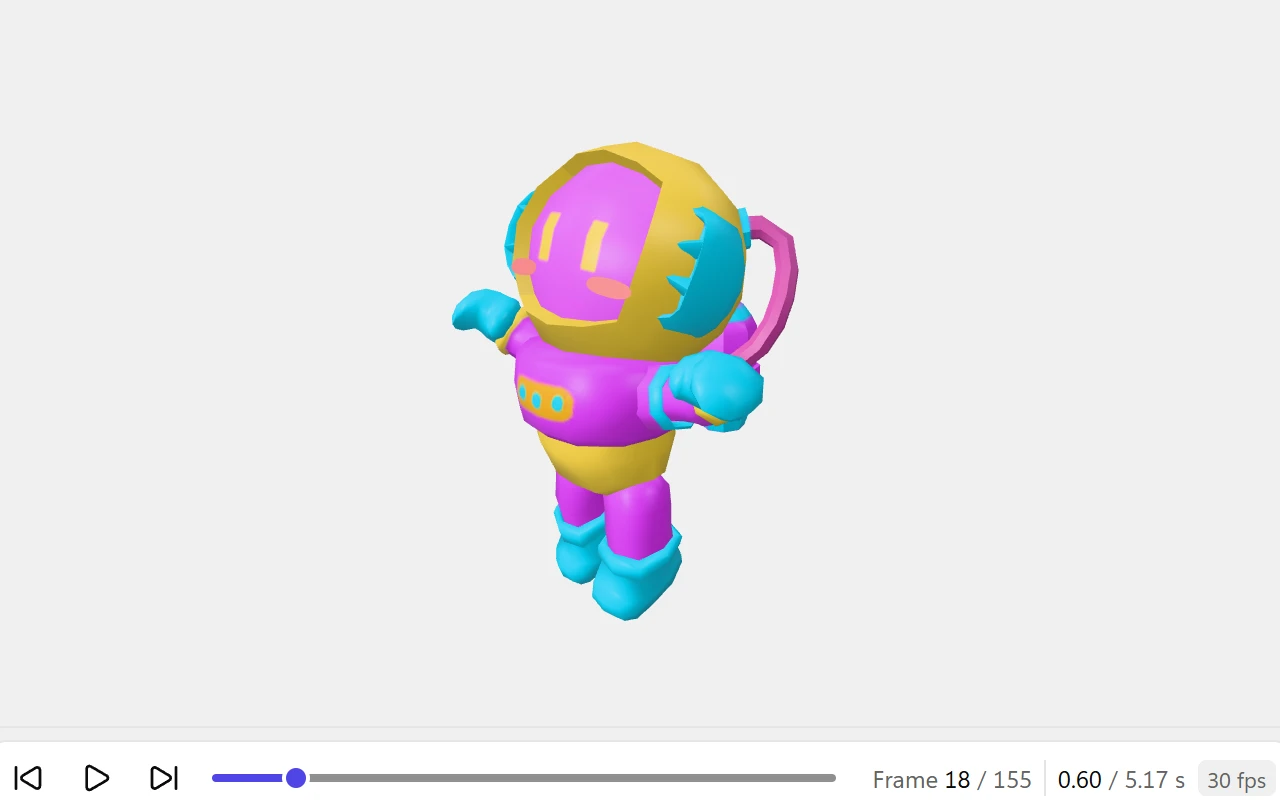
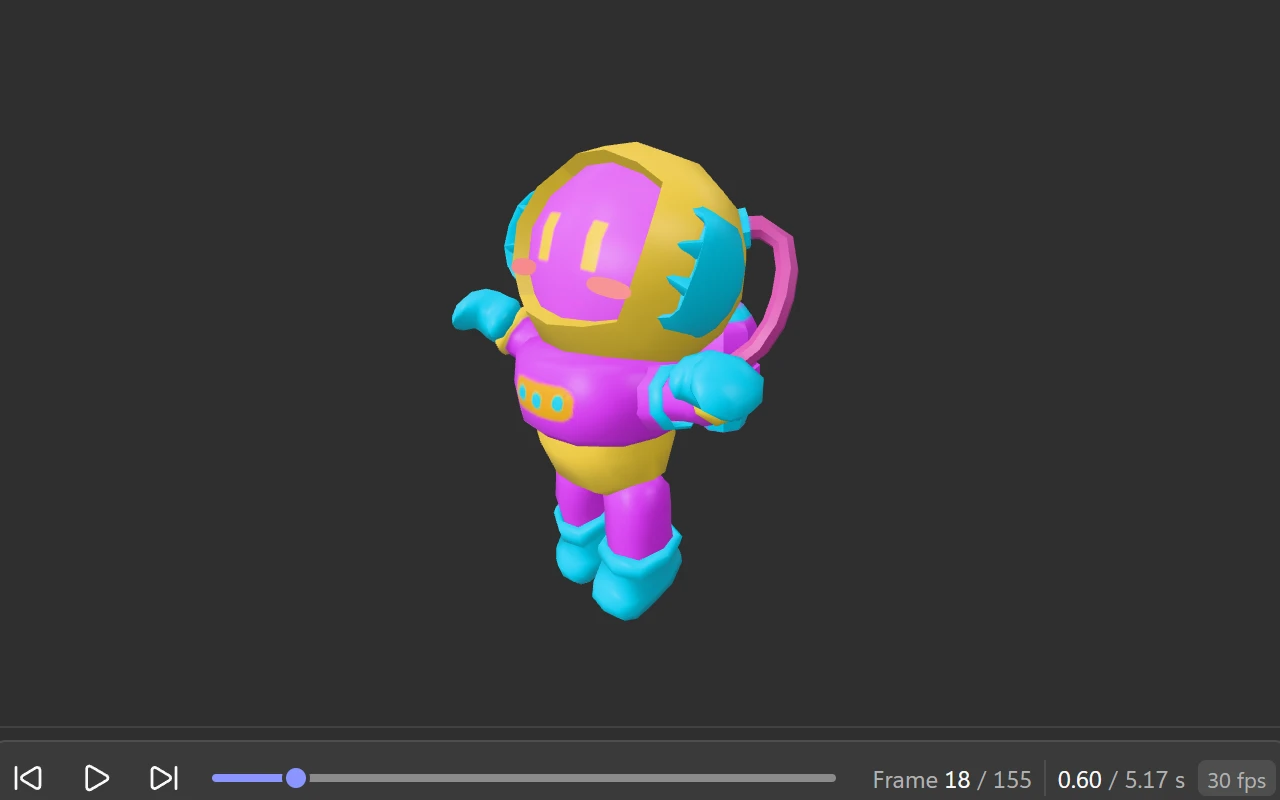
03_spaceman.fbx + spaceman_skin_02.jpgFBX
03_spaceman.fbx with both motion_celebrate.fbx and spaceman_skin_02.jpg hot-attached read-only at frame 18
Frames
155
Frame rate
30 fps
Duration
5.17 s
Triangles
3,198

Preview standalone motions on mannequins, then compose models and skins

Mesh-free FBX, BVH, VRMA, VMD and Unity .anim clips preview on a built-in mannequin instead of bare sticks. Attach motions read-only onto rigged characters from the top bar, pin them as you step through models, and swap temporary textures without touching originals.

Inspect SVG vectors, camera RAW, Office decks and video containers locally

Creative folders rarely hold 3D alone. Zoom crisp SVG vectors with four backdrops and extracted text/XML, inspect orientation-corrected HEIC and camera RAW previews with EXIF, read Word and PowerPoint slides with speaker notes offline, and step through MKV, AVI and MXF streams frame by frame.

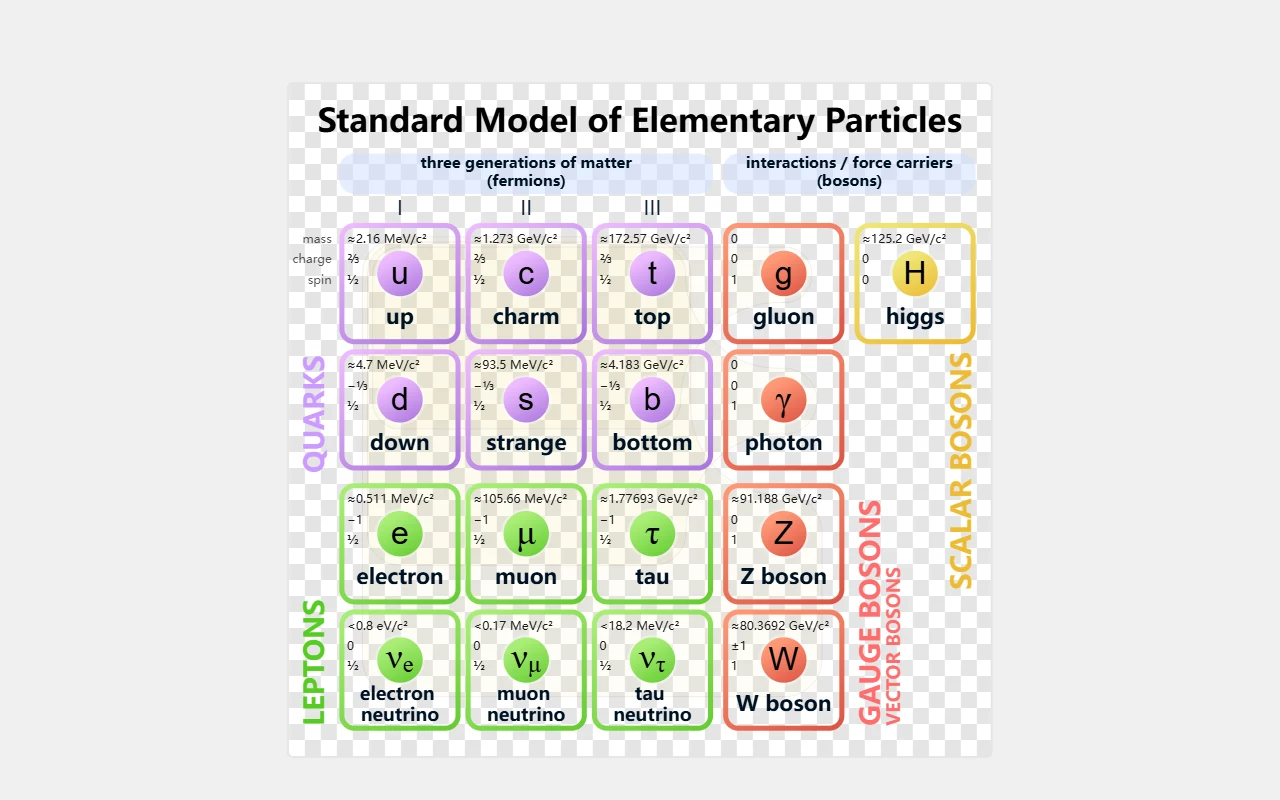
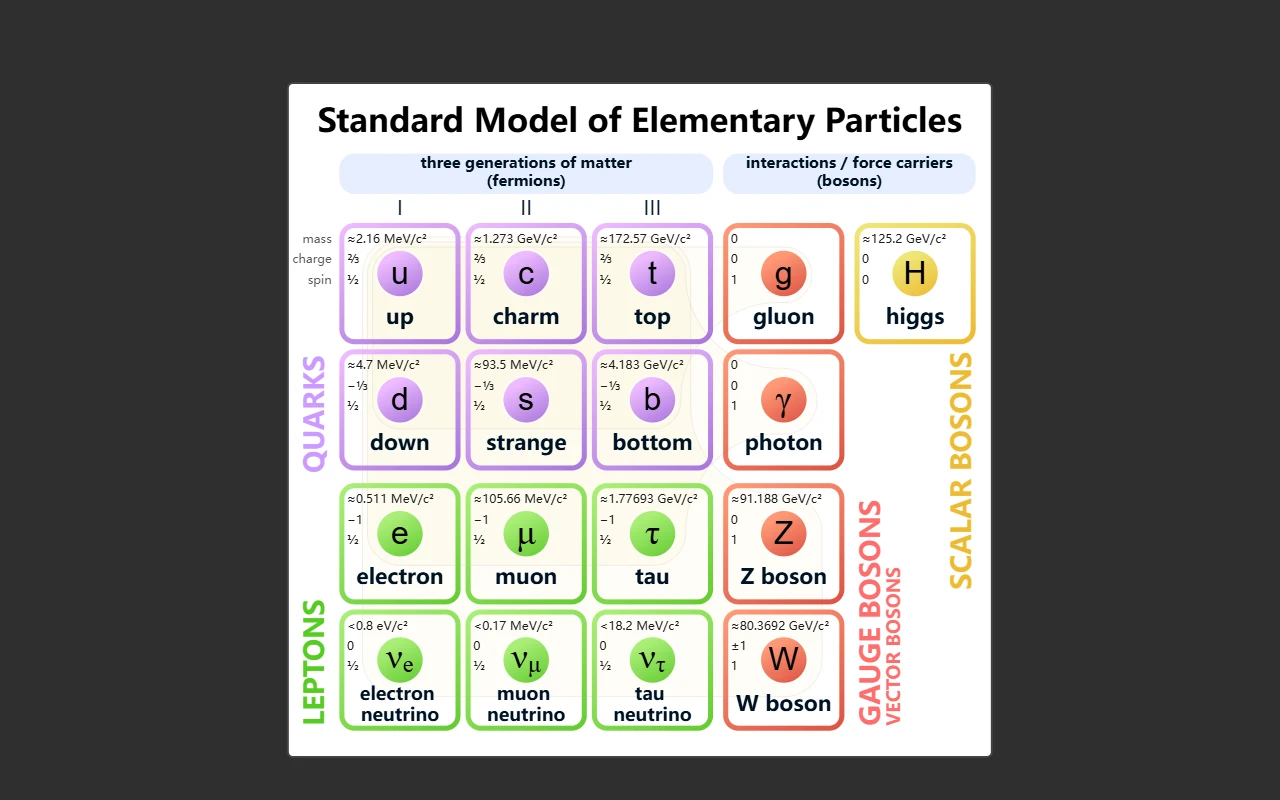
standard-model.svgSVG
Crisp static SVG viewer showing the Standard Model diagram with backdrop switches and text/XML inspection
Rendering
Crisp vector
Backdrops
Checker / Gray / W / B
Side panel
Text & XML source
Structure
Layers & palette

Browse mixed formats in one folder

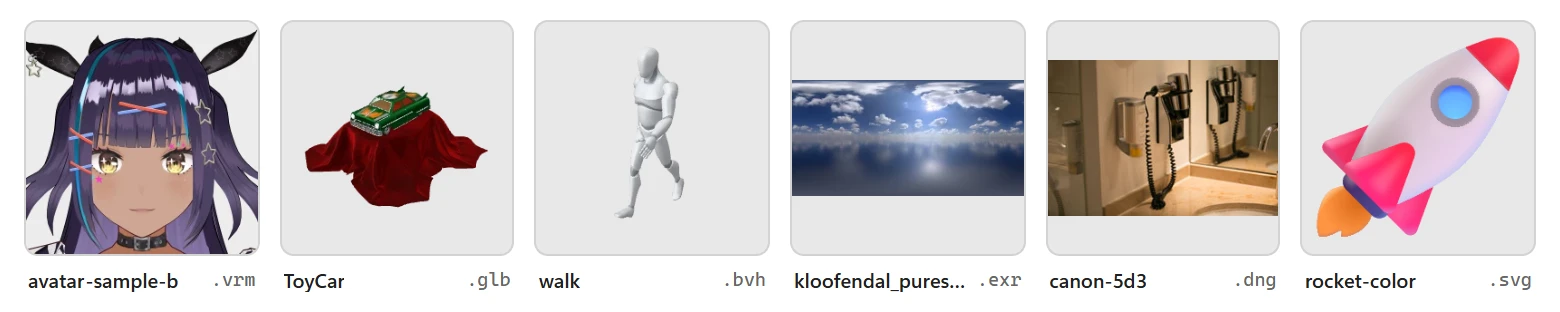
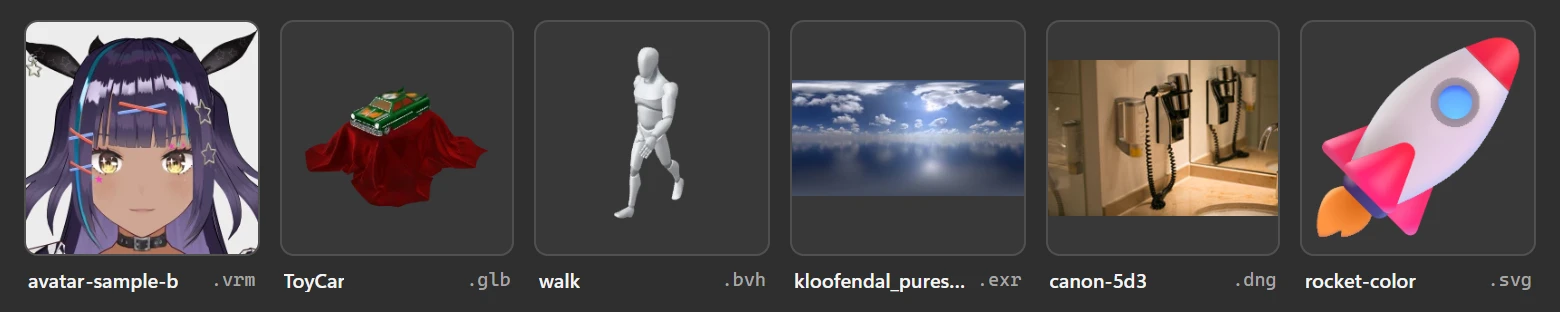
Open an asset pack or project folder to see FBX, GLB, VRM, PMX, BVH and USD models alongside DDS, EXR, SVG, camera RAW, video and Office files in one grid—or press C to compare two files side by side.

Six mixed-format asset thumbnails rendered side by side in Vormio: a VRM character, glTF model, BVH motion mannequin, OpenEXR sky, camera RAW DNG photo and SVG vector
Read guide

Read-only and local

Both the web and desktop versions read your local folders directly. Browsing and analysis never modify, move or upload your files.

  • Originals

    Never modified, moved or uploaded

  • Web app

    Read locally inside your browser

  • Collect

    Writes copies to a new folder only on request

  1. 1

    Open or link local folders

    Open or drop a folder in your browser with nothing to install. On desktop, link multiple folders to a workspace and watch for changes.

  2. 2

    Browse thumbnails and composition

    Spot models, textures and project files in the grid. Click a file to see its composition, triangle count and dimensions, or double-click to open the viewer.

  3. 3

    Check references or reuse files

    Verify texture and dependency paths in the inspector. On desktop, drag files straight into your DCC app or collect glTF and OBJ models into a new folder.

Built-in formats

54 built-in format groups by category

Each format offers its own thumbnails, viewer, composition and references. Desktop support ships with the app, with nothing extra to install; you can also try it on the web.

54 format groups183 extensionsBrowse supported formats

Web & desktop

Web and desktop

Browser · No install

Web

  • Open or drop a local folder or standalone files without uploading anything
  • Try built-in samples right away for thumbnails, side-by-side comparison and 3D motion/texture composition
  • Inspect offline image generation metadata, syntax-highlighted code and Chinese, English or Japanese UI
  • Chrome and Edge open folders directly; other browsers accept folder and file drops
Windows / macOS / Linux · Beta

Desktop

  • Link multiple folders with cached thumbnails, live watching and custom scan ignore rules
  • Filter across folders with saved filter presets, inspect reverse references, Godot UIDs and Unity GUIDs
  • Compare images, textures and 3D models across folders, and hot-attach cross-format motions, textures, OBJ materials and MMD camera/audio
  • Open temporary path-list review views, export/import path-free organization JSON and mirror daily backups to another drive
  • Drag files into your DCC app, refresh previews after external edits and collect glTF/OBJ copies into a new folder

FAQ

Frequently asked questions

Every answer reflects what is currently available in the web app and desktop Beta.

Does the web version upload my files?

Local files are read and analyzed in your browser without uploading their contents. The website records clicks on download and trial links. Usage statistics and error reports are optional; see the privacy notice for details.

What do “Found by name” and “Not checked” mean?

“Found by name” means the desktop app found a file by its name; you still need to confirm it is the intended file. “Not checked” means a reference was not checked, such as a dynamic expression. External addresses have a separate status.

Does Vormio modify my original project files?

Browsing and inspection do not modify, move, or delete original files. When you use “Collect to folder” in the desktop app, it creates copies at your chosen location without overwriting existing content. Edit your project in its original tool.

What is the difference between web and desktop?

The web version requires no install and is ideal for viewing thumbnails, previews, side-by-side comparison, 3D motion composition, composition trees and references in one folder. The desktop app links multiple folders, adds scan ignore rules, saved filters, path-list views, reverse references, Godot UID / Unity GUID resolution, live watching, portable organization JSON and configurable off-disk backups.